Custom branding
In Randio Open Settings → Branding
Settings → Branding controls how catalog pages and emails present your store.
Available to every store
- Store Name: shown where the logo cannot load, and in the footer.
- Logo: upload it here or during onboarding; one per store, and a new upload replaces it. Catalog page headers and emails show it whenever a template's header is set to the logo; a header set to the store name shows the name instead.
- Discount Label: the name of your discount as shoppers see it at checkout. Leave it empty for "Unique Offer".
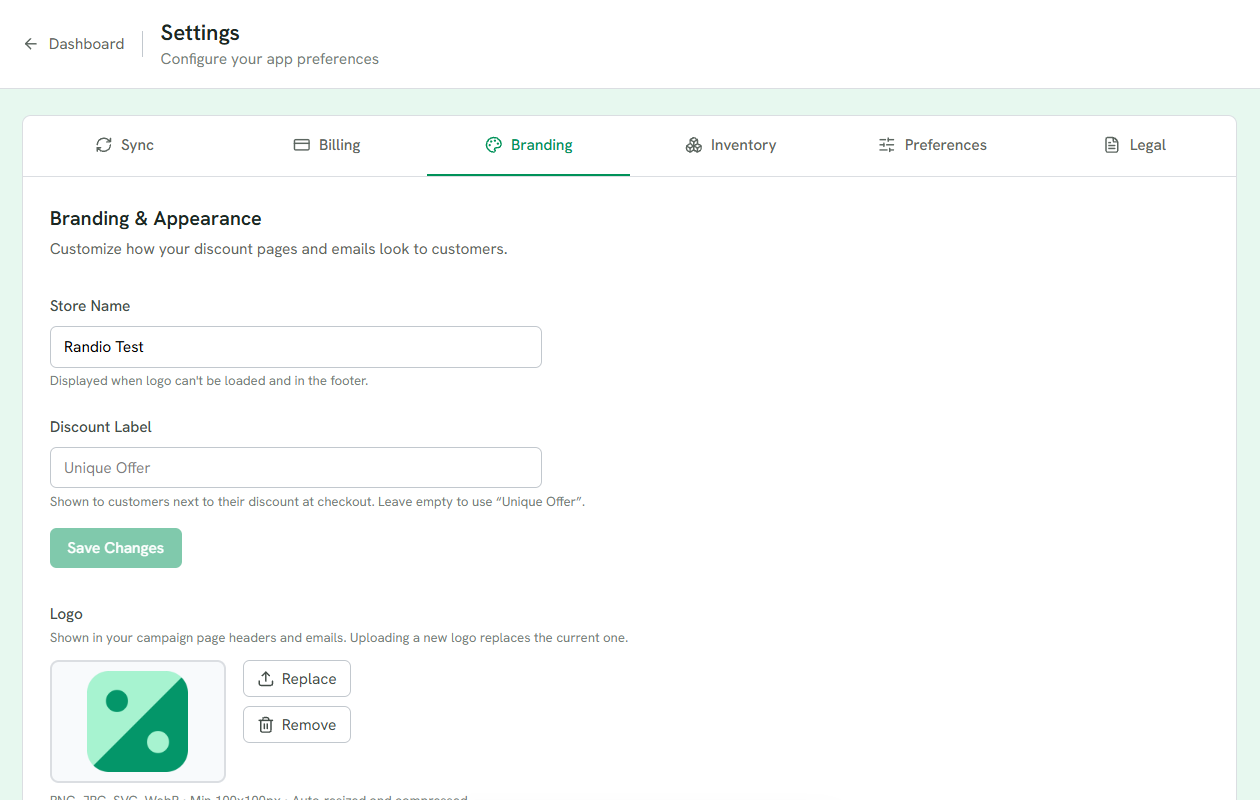
1 Store Name, used where the logo cannot load and in the footer.
2 Discount Label, the name of your discount at checkout.
3 The logo: one per store, replaced by a new upload.
Colours, fonts and layout are not here. They belong to the templates, so different campaigns can look different. See Page templates and Email templates.
White-label features
Remove Randio Branding and Custom Email Domain appear only on plans with the white-label capability, not on the standard plan. The first is a status Randio sets for you; with it on, "Powered by Randio" is hidden from emails and pages. The second sends campaign emails from an address on your own domain: enter the sending subdomain, the From address and a display name, add the DNS records the page lists at your registrar, then verify. DNS changes can take up to 48 hours to apply.
Related: Email configuration, Your plan.